 Allô Lou
Add and manage children
Add a child
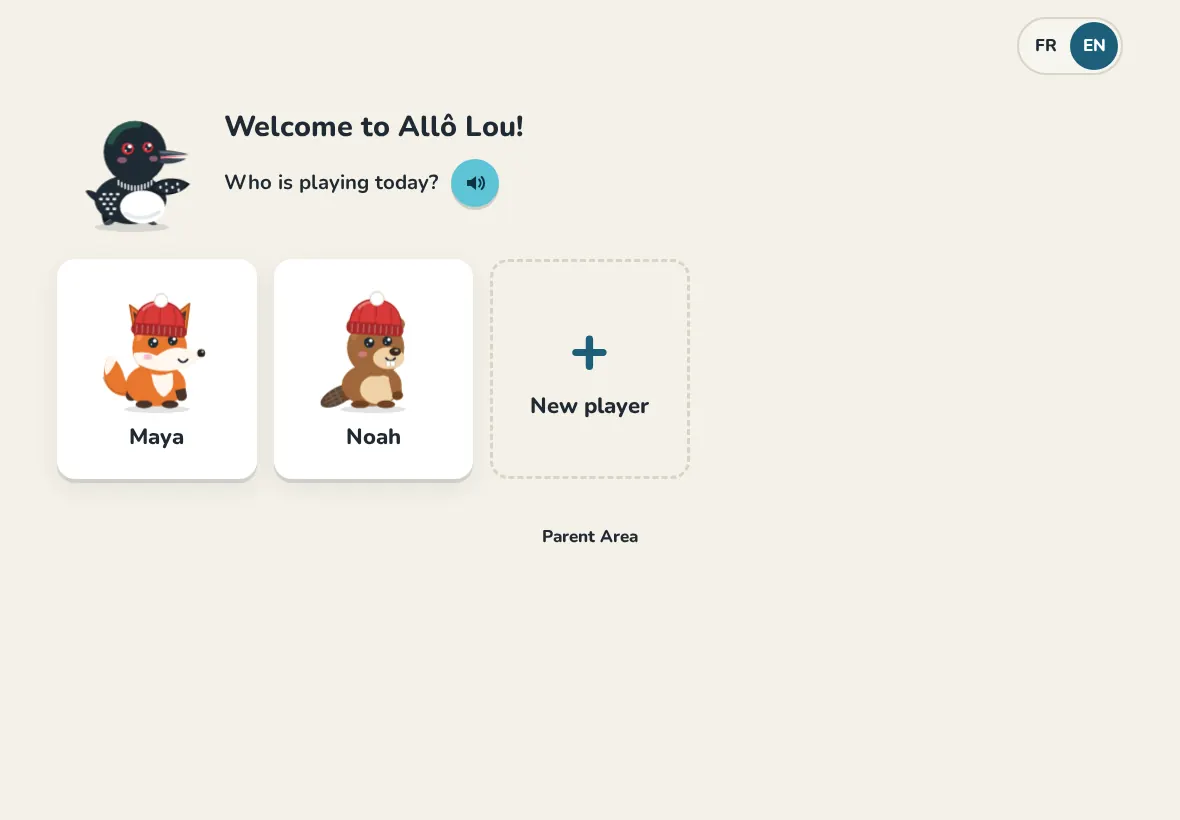
- On the home screen (Who is playing today?), tap New player.
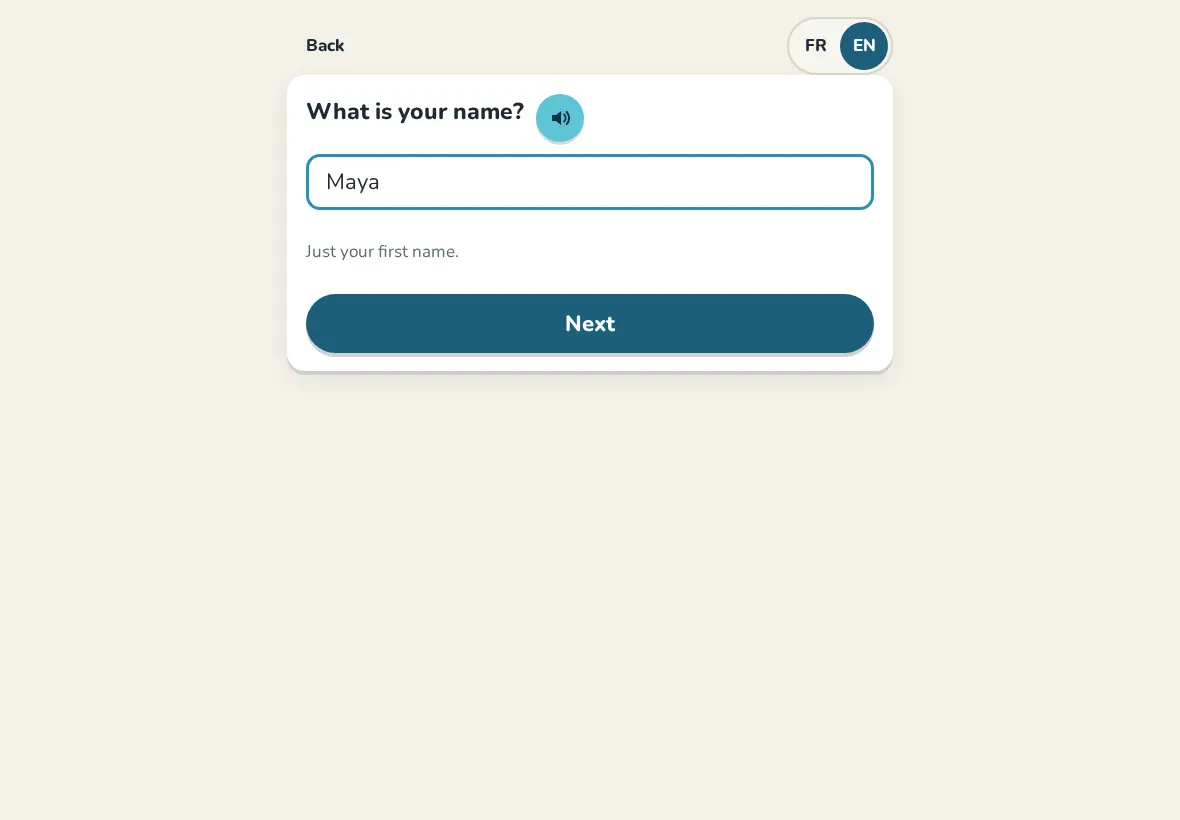
- Your child types their first name, chooses an animal and a colour, then their grade.
- Choose the school program: French Immersion or English program. Ask a grown-up to answer this one.
- Your child picks 4 secret pictures in order, then taps them again. That is their code to log in: no password to read or spell.
- Tap Activate and enter the Parent Code. The profile is ready.
School programs
- French Immersion: in Grades 1 to 3 every subject is bilingual, so your child learns in French and practises English at home. From Grade 4, math and English are in English; French, science and social studies are in French, like at school.
- English program: every subject is in English, and French is Core French at an easier level.
Change a child's settings
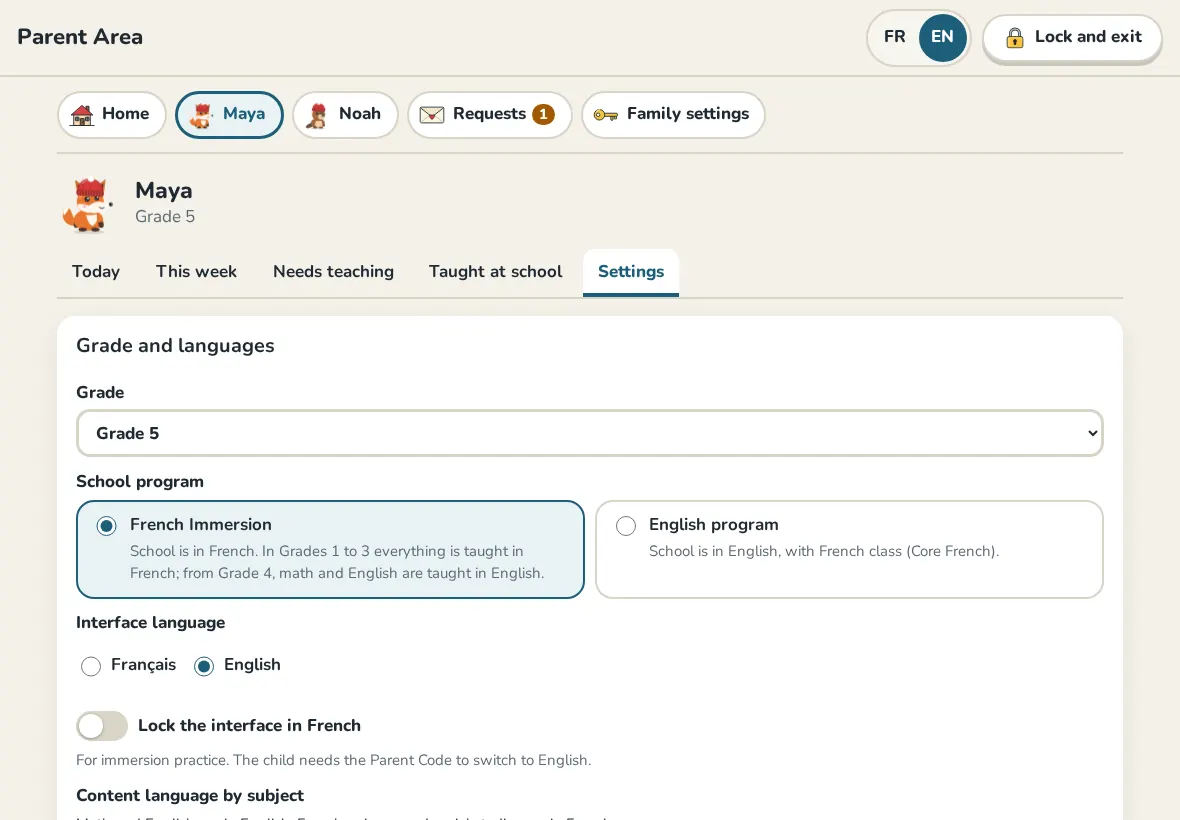
In the Parent Area, open the child's page, then Settings. You can:
- change the Grade or the School program (progress is kept);
- pick the Content language by subject yourself, or go back to the program's languages;
- open Other grades for review or a challenge;
- Lock the interface in French for immersion practice;
- Reset the Picture PIN if your child forgot their pictures;
- Adjust points, give a streak shield, or remove a nickname.
Nicknames
A child can choose a nickname in their own settings. The Parent Area and teachers always see the real first name.
Delete a profile
At the bottom of the child's settings, Delete profile removes the profile, its progress and its piggy bank for good. You type the child's name to confirm.
Still need help?
Write to us at hello@allolou.com and tell us what you tried. A screenshot helps.