 Allô Lou
Missions
How missions work
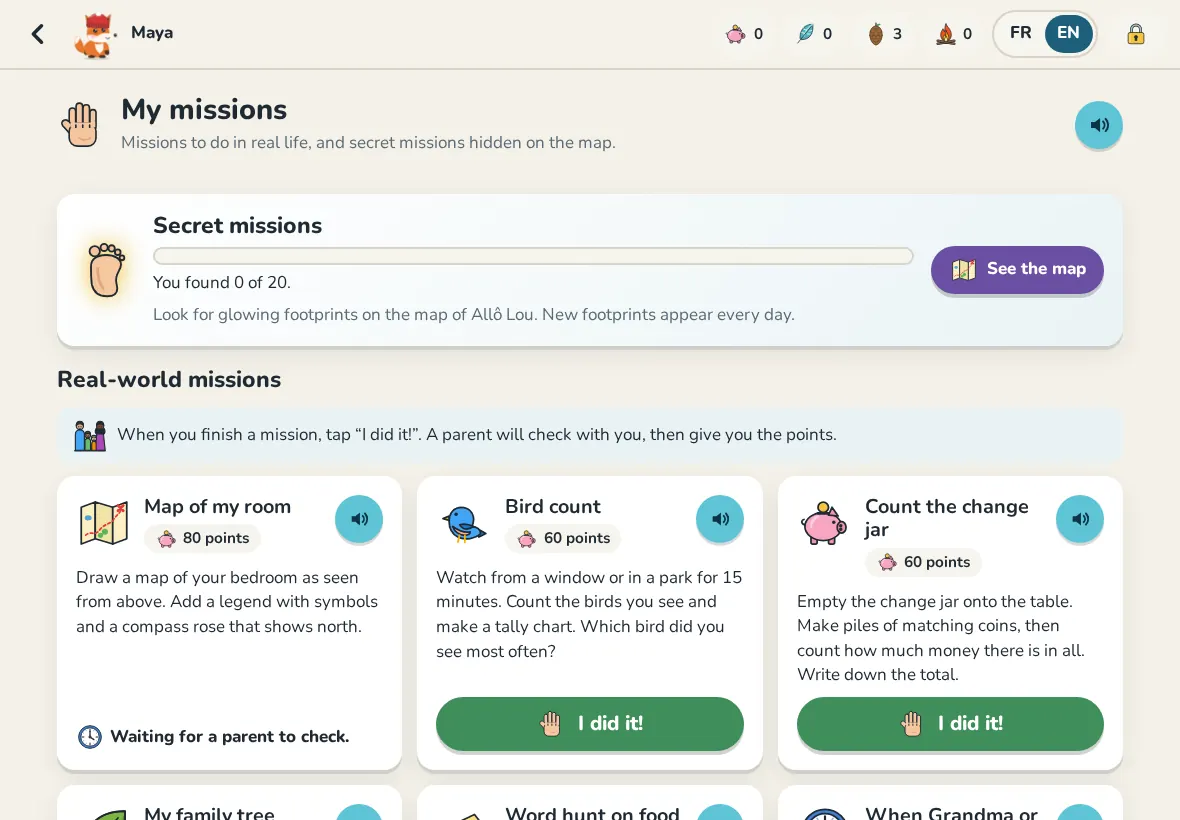
Real-world missions are done away from the screen: tidy the bookshelf, read to a sibling, help make dinner. Your child does the mission, taps I did it! and writes one sentence about what they did. You check with them, then approve or decline in Requests.
A child can have 2 missions waiting at a time. The map also hides secret missions: glowing footprints that appear every day.
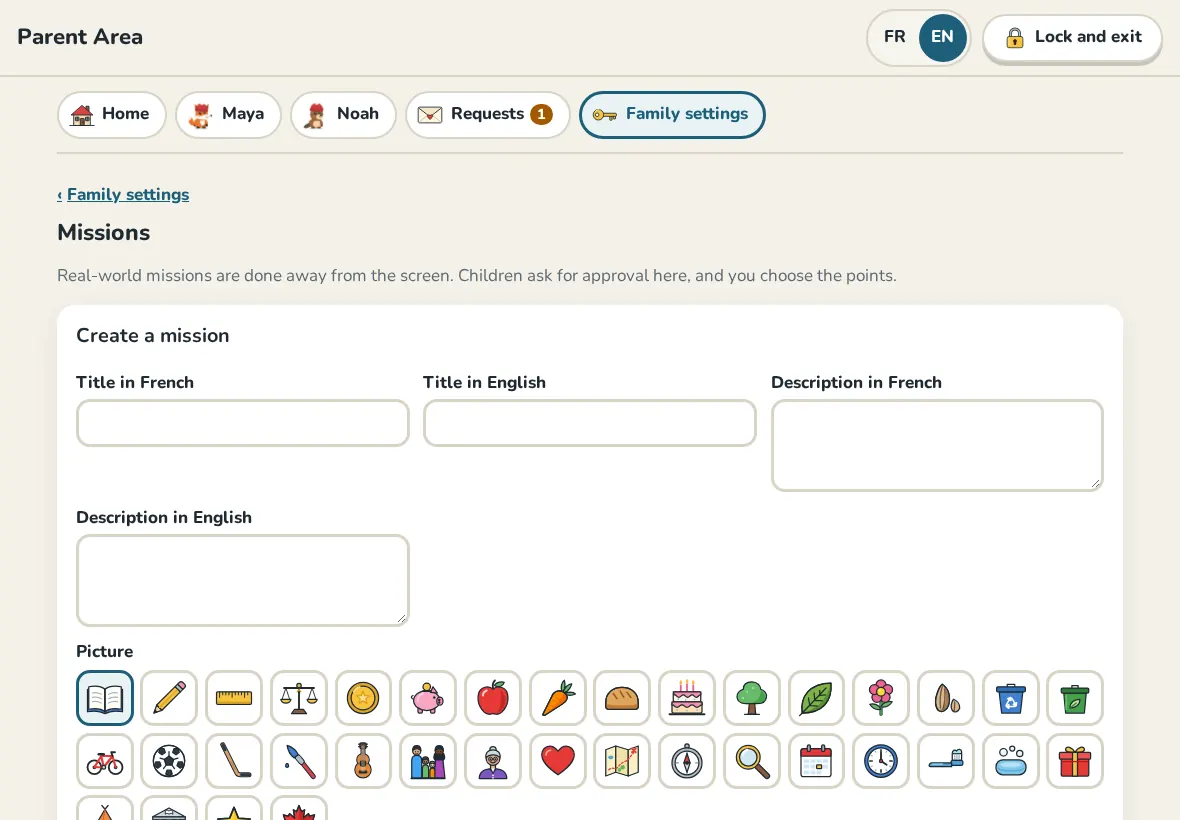
Create a mission
- In Family settings, open Missions.
- Under Create a mission, write the title in English and in French, and a description if you like.
- Choose the points (10 to 200), the grades it is for and a picture.
- Tap Create mission.
In All missions, turn a mission off or on, or change its points.
Approve or decline
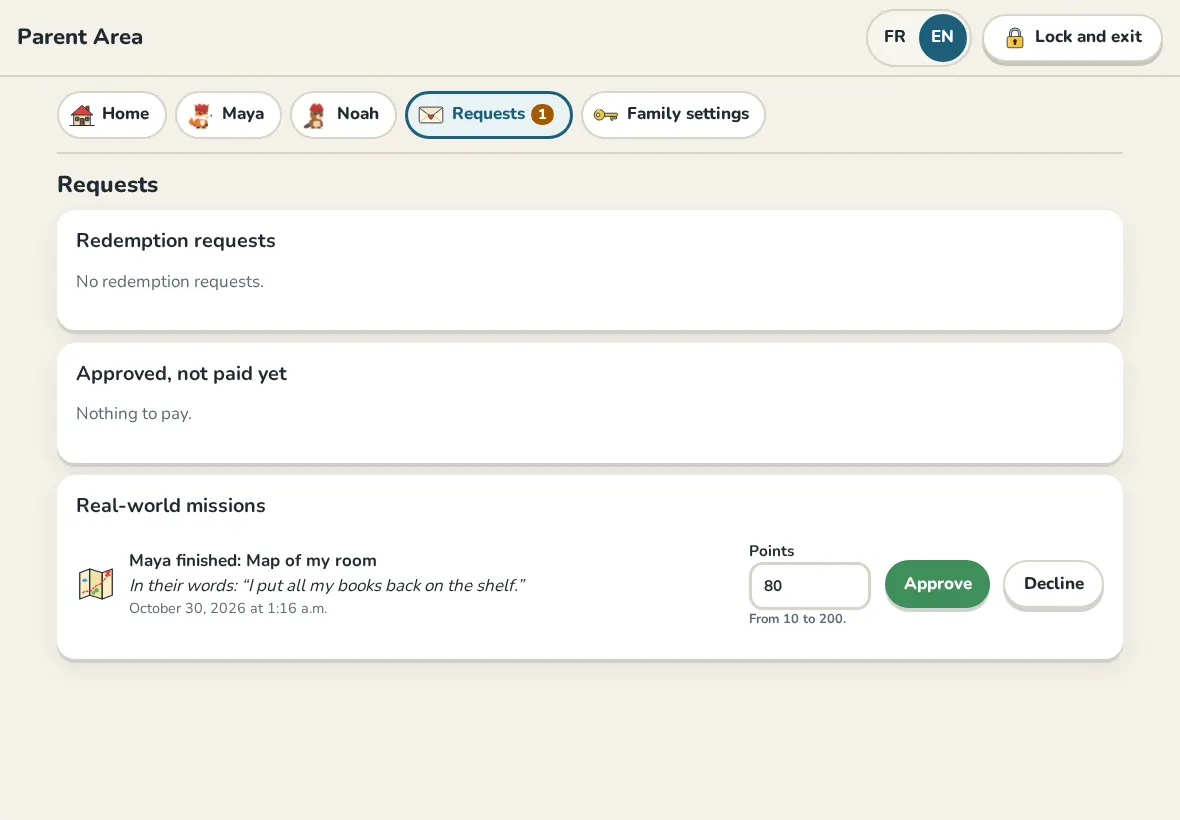
Open Requests. Each mission shows what your child wrote. Approve gives the points (the daily points cap still applies); Decline gives none, and your child sees "Not this time" and can try again.
Still need help?
Write to us at hello@allolou.com and tell us what you tried. A screenshot helps.