 Allô Lou
The Parent Area
Open it
Tap the lock at the top right of the app, then enter the Parent Code. The Parent Area locks again when you tap Lock and exit, when you go back to the children's screens, when the app is closed, and after 10 minutes without activity.
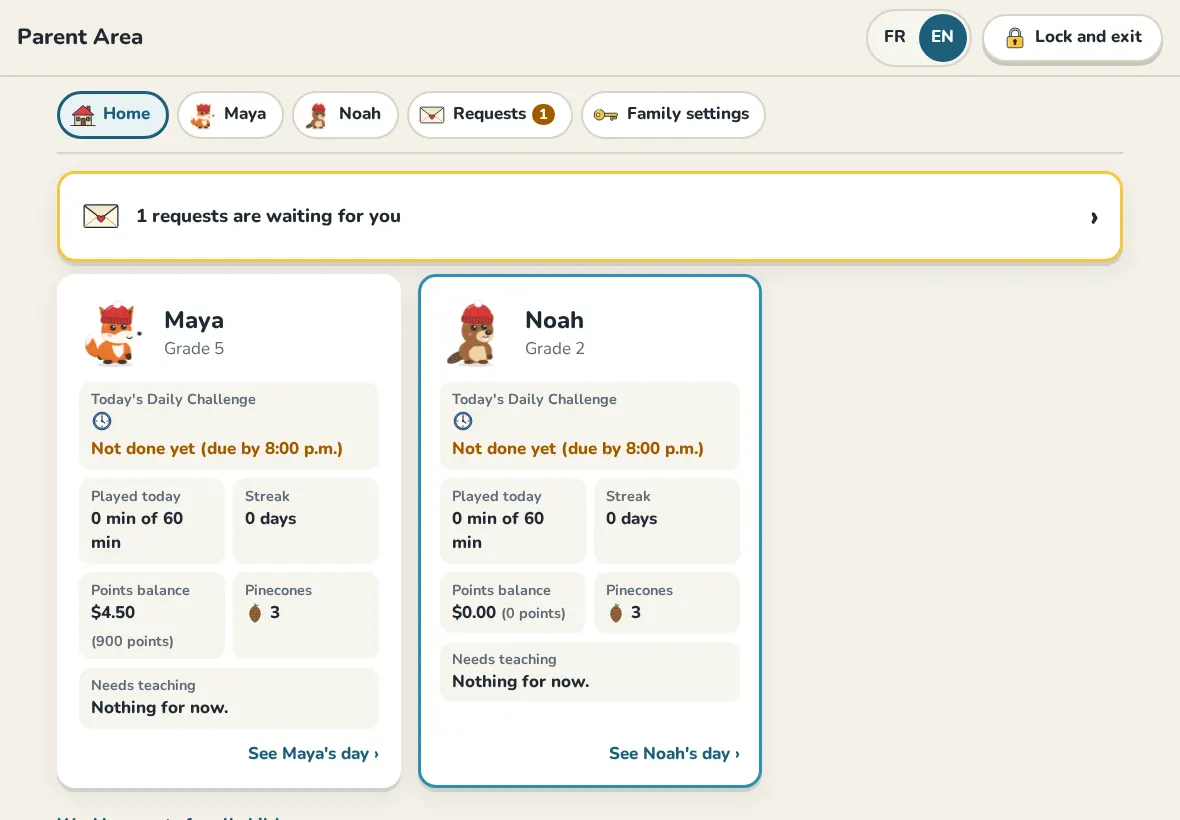
What is in it
- Home: how each child is doing today, and profiles waiting to be activated.
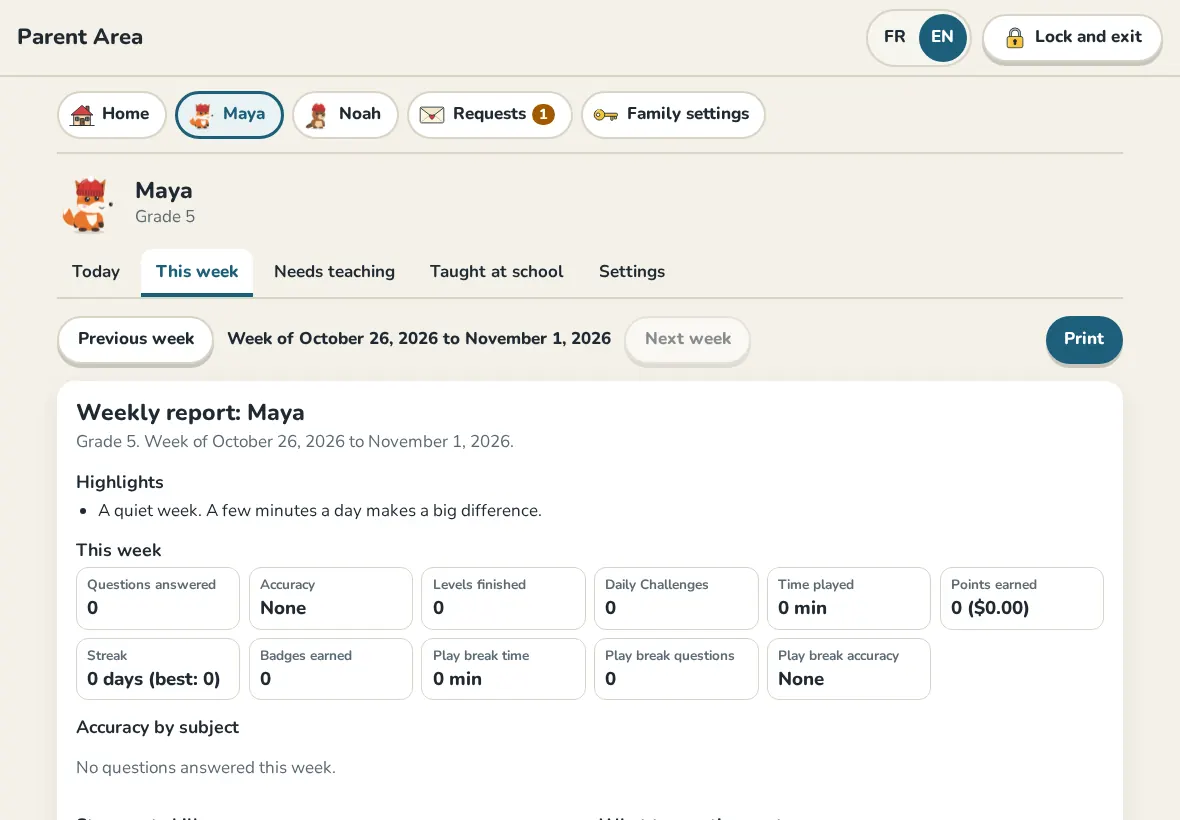
- Each child's page: Today, This week, Needs teaching (skills to go over together), Taught at school (mark what the teacher covered so it comes back in daily challenges) and Settings.
- Requests: missions to approve and points to trade for money.
- Family settings: everything for the whole family, in two groups: Play and rewards, and Family and app.
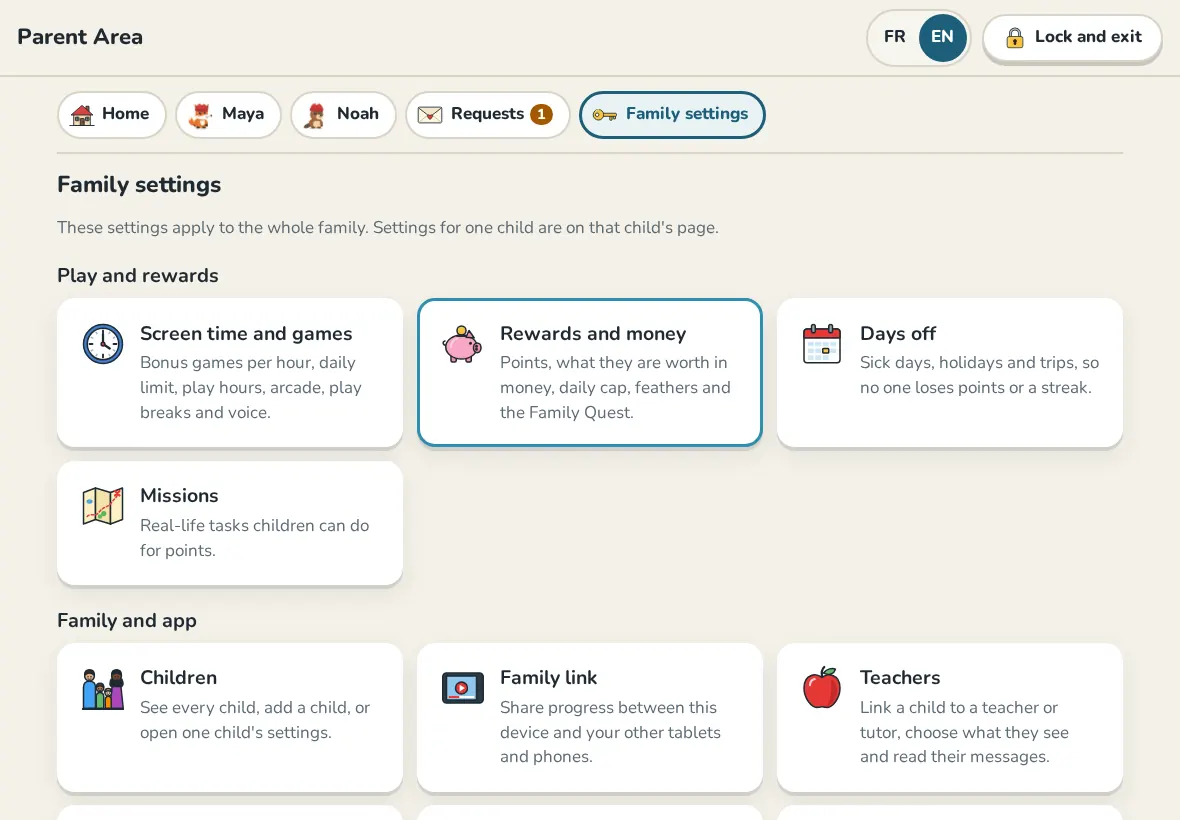
Change the Parent Code
In Family settings, open System, then Change the Parent Code. Type the new 6 digit code twice. The old code stops working right away, on every linked device.
The activity log
System also keeps the Activity log: every parent action, in plain words.
Still need help?
Write to us at hello@allolou.com and tell us what you tried. A screenshot helps.