 Allô Lou
Teachers and tutors
What a teacher can do
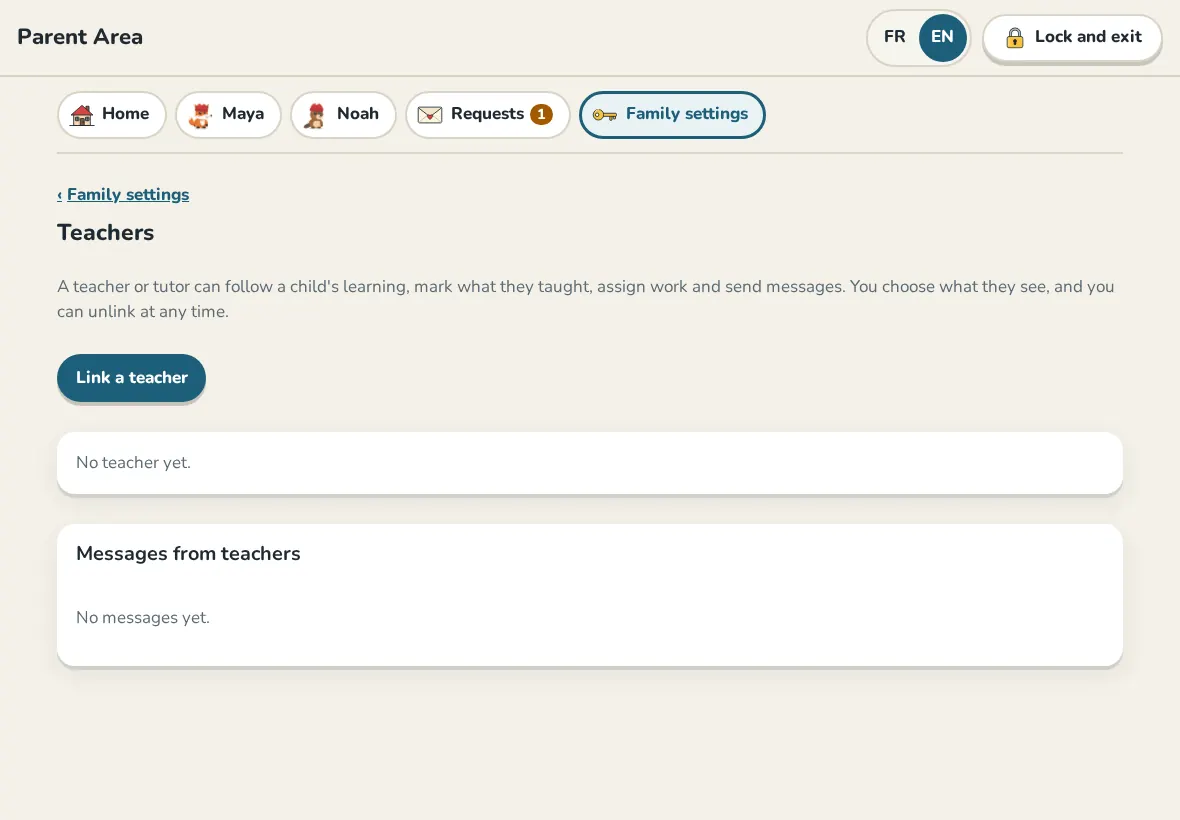
A teacher or tutor can follow a child's learning, mark what they taught, assign levels and question sets, and send messages. You choose what they see, and you can unlink at any time. Teachers use teach.allolou.com or teacher mode in the app, for free.
Link a teacher
- Ask the teacher for their class invite: a QR code or 32 letters and numbers.
- In the Parent Area, Family settings, Teachers, tap Link a teacher.
- Choose the child, then Scan the invite or type the invite.
- Read 2. What the teacher will see and turn on only what you want.
- Read the Check number to the teacher. It must be the same on their screen before they accept.
What teachers see, and never see
They see the child's first name, grade and school program, and what you allow: progress, skills that need work, time spent learning and answers. They never see points, money, the piggy bank, rewards, your settings, the Parent Code or your other children.
Messages
You see every message in Messages from teachers. If you allow it, your child sees them too and can only answer with ready-made replies, never by typing. Messages with words that are not allowed are kept from your child.
Report a message
Tap Report next to a message, choose what is wrong and send it. Allô Lou receives this message, the reason and the class number. Not your child's name or anything about your family. The teacher is not told who reported it. You can also unlink the teacher right away.
Unlink
Tap Unlink. The teacher stops seeing your child's learning right away, and what was sent to them is deleted from our server.
Still need help?
Write to us at hello@allolou.com and tell us what you tried. A screenshot helps.